
Troubleshoot Login/Logout issues
If you are seeing the Logged-out menu and prompt to sign-in even though you have already signed in, your browser has most likely cached the page you previously visited and is ignoring the Logged-In status.
This is an easy and lasting fix.
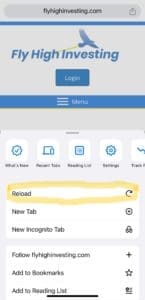
On Safari, click the 3 ellipses on the lower right of the page and then click 'Reload'

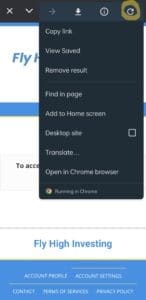
On the top right of the page, click the three ellipses, then click the Reload icon, it looks like a circular arrow...

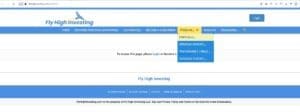
If you Logged in but still see the Login-Subscribe page (and you have an active membership), simply hit CTRL + R on your keyboard (Windows) or CMD + R on your keyboard (Mac)
If you are still seeing caching issues after trying the steps above, please contact us and we will get back to you within 24 hrs.